obscure-sddm-theme38
a minimal and highly configurable sddm greeter theme with ipa-based password masking and glass-style visuals.
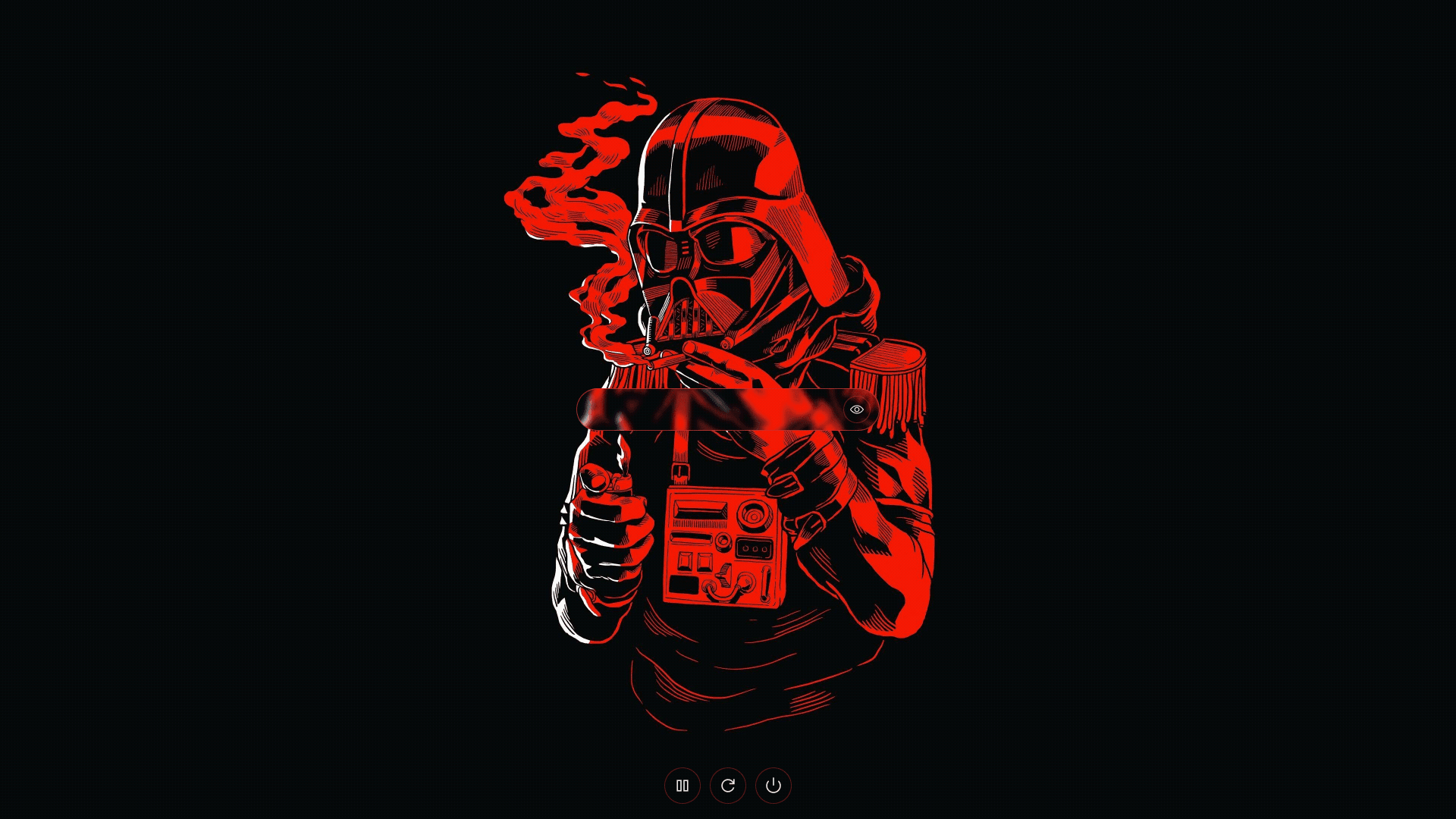
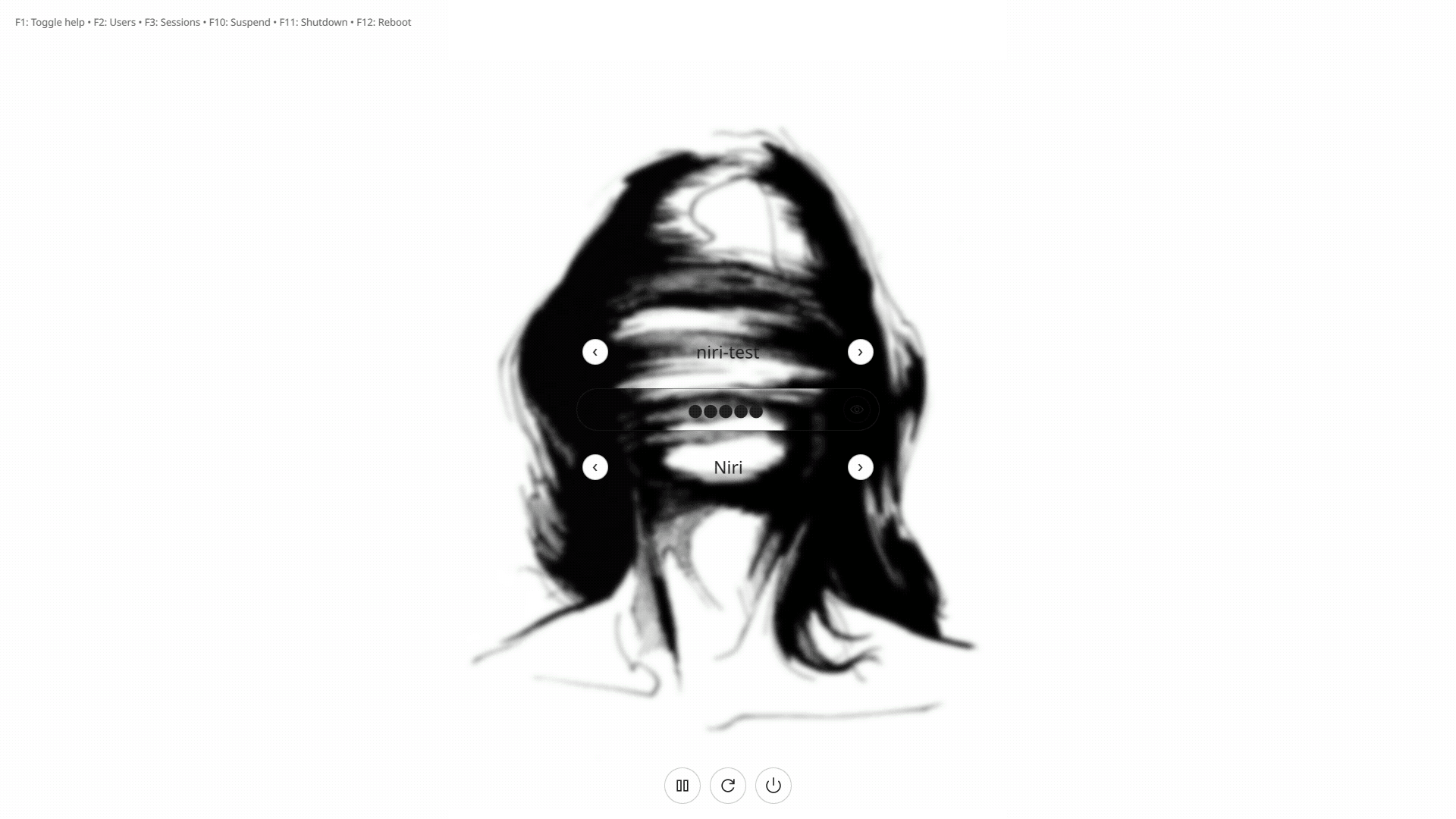
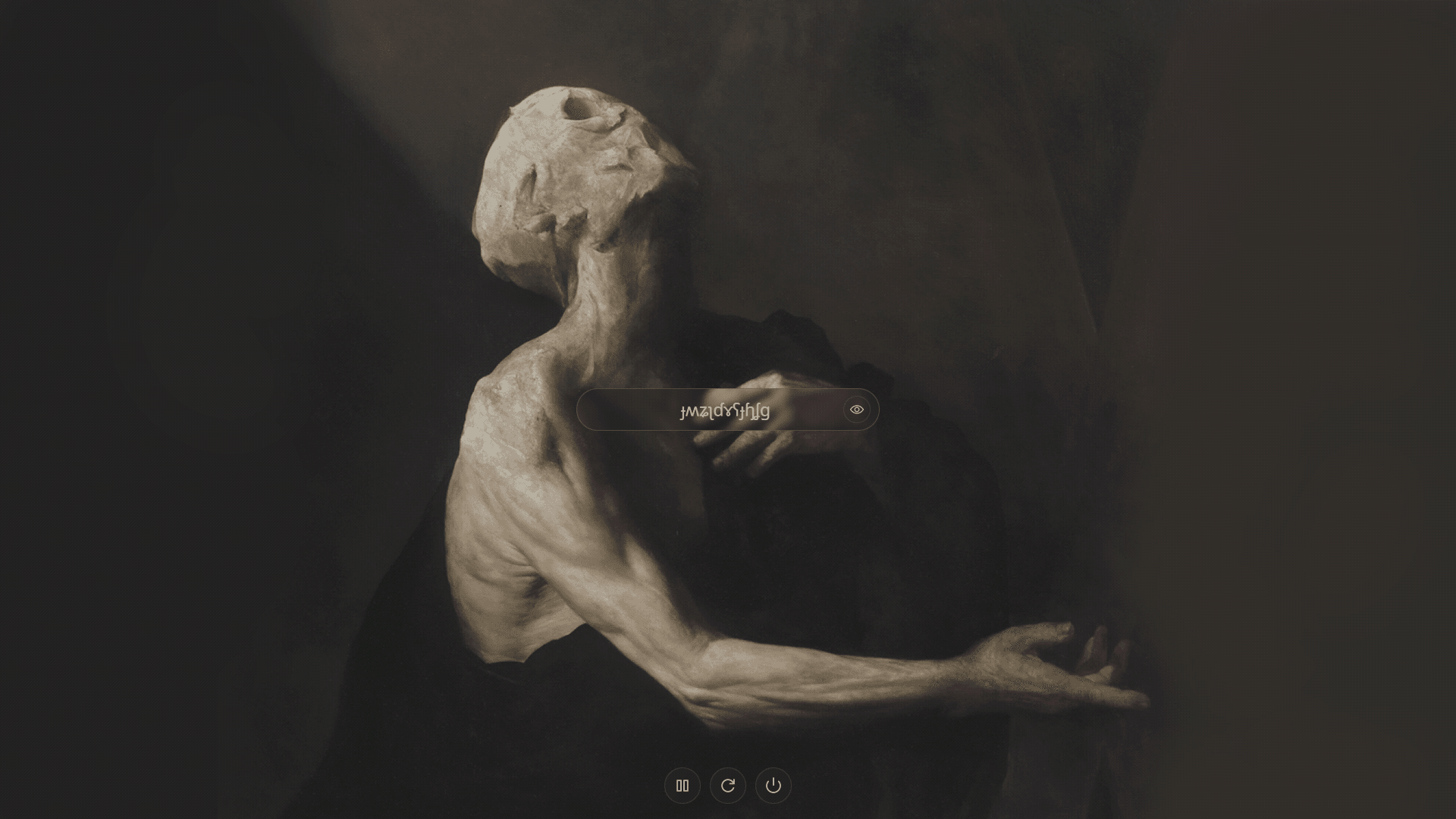
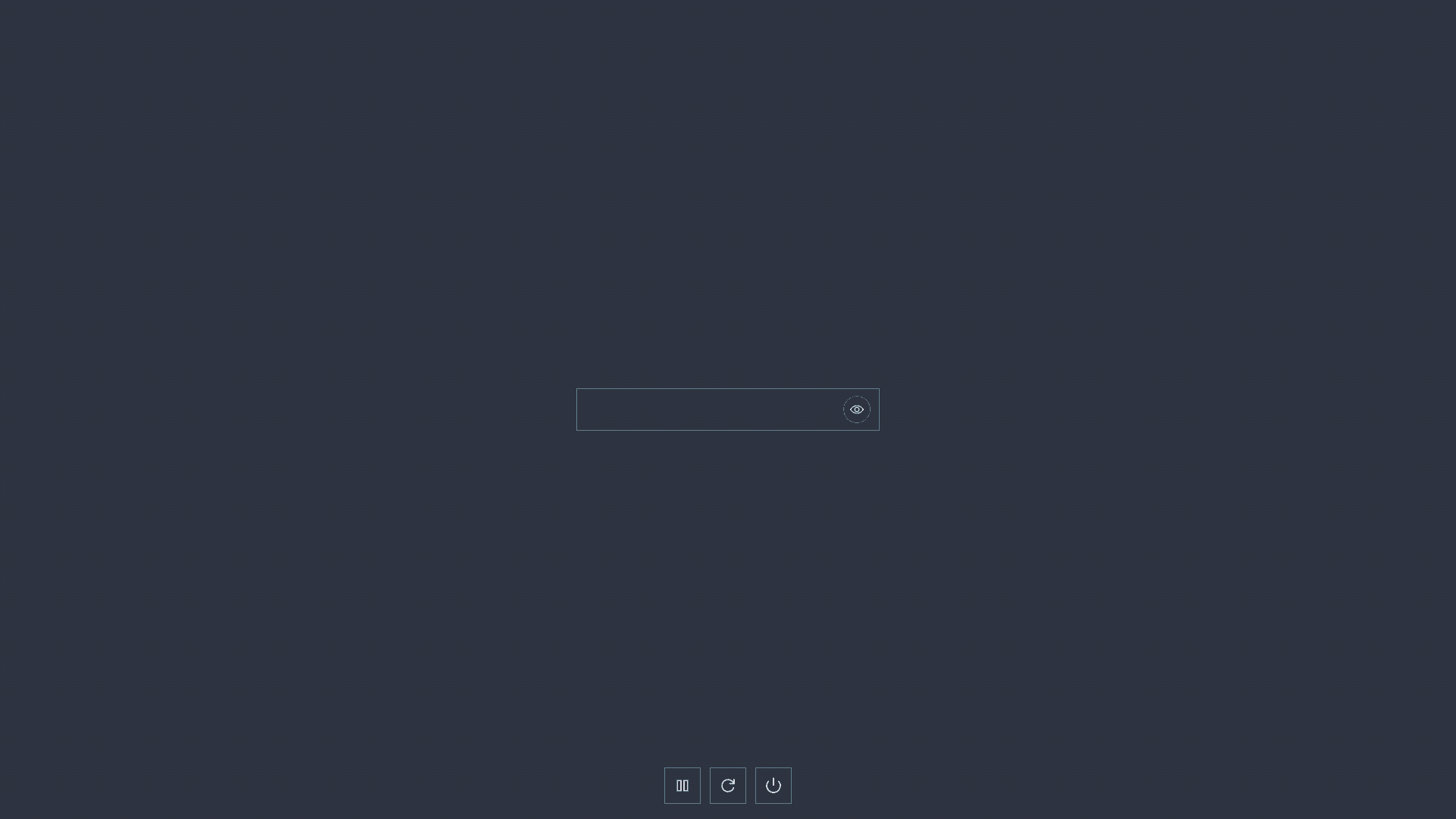
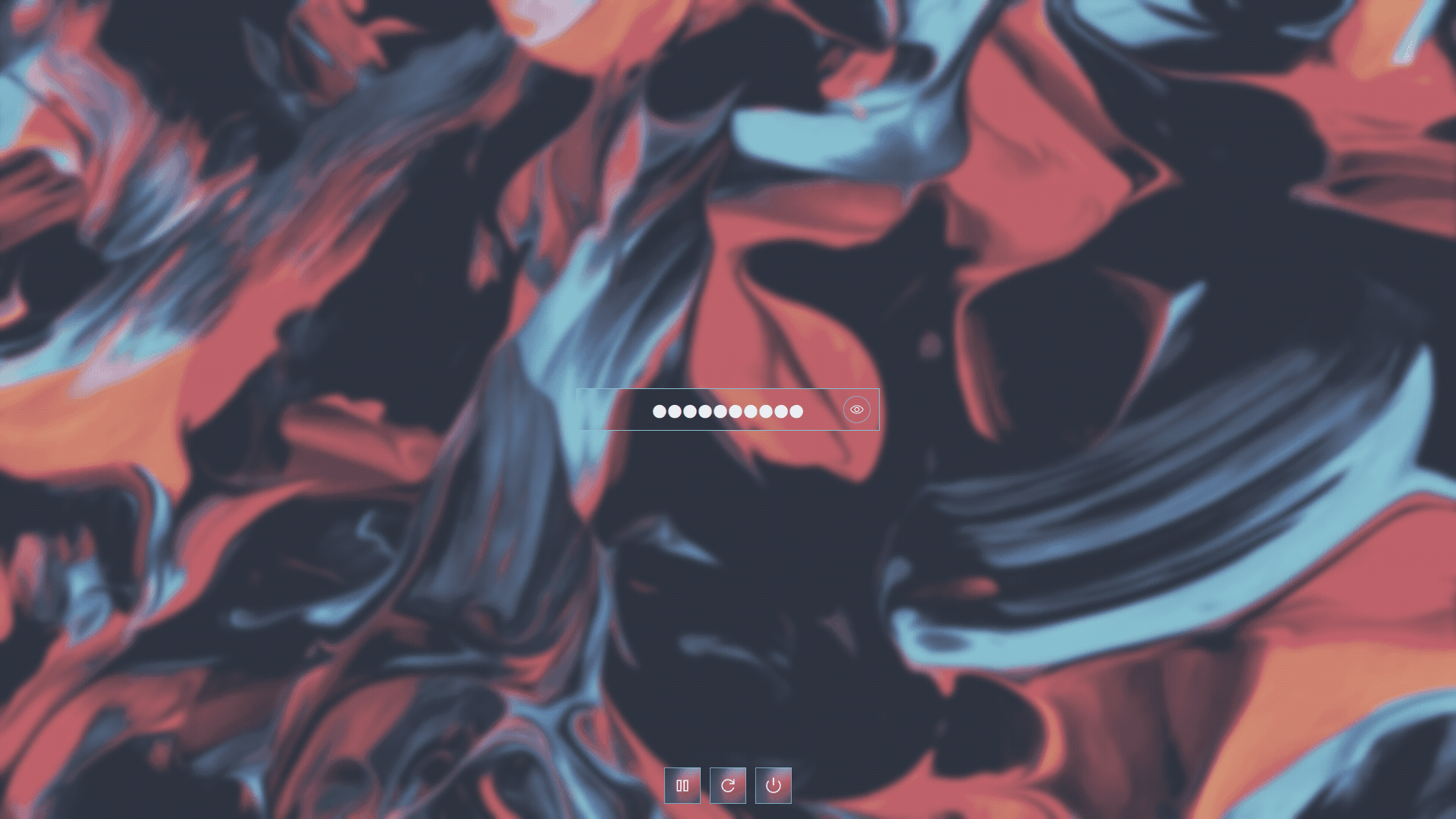
a minimal yet highly customizable sddm login theme that uses randomized ipa (international phonetic alphabet) characters for password masking, resulting in an intentionally obscure and distinctive login experience. the theme emphasizes clean visuals, subtle animation, and fine-grained control over appearance and behavior.
ideation
the default linux login experience is often treated as an afterthought, prioritizing function over polish. many existing sddm themes either rely on heavy visuals or expose limited customization. this project explores a more deliberate approach: a restrained, modern greeter that feels cohesive, configurable, and visually intentional.
the idea of ipa-based password masking was introduced to make password entry visually interesting while remaining purely cosmetic and non-intrusive. the goal was not novelty alone, but a theme that balances clarity, personality, and control.
implementation
the theme is implemented using qml on top of qtquick, targeting sddm (login greeter). it follows the standard sddm theme structure and relies entirely on declarative ui components for layout, animation, and interaction.
all customization is centralized in theme.conf, with settings grouped by palette, background, typography, and behavior. the visual system is driven by a single accent color, optional glass blur layers, and configurable opacity and animation timings.
password masking is handled at the ui layer, allowing ipa-based glyphs or a simple fallback mask, with optional per-keystroke randomization. animated error feedback and a password visibility toggle integrate seamlessly with the same configuration controls.
key features
- clean, modern greeter with accent-driven design
- ipa character-based password masking with optional randomization
- animated password visibility toggle and error feedback
- customizable background image with blur, tint, and opacity controls
- glass-style ui elements with configurable blur and radius
- keyboard-driven user and session selectors
- extensive configuration via a single
theme.conffile
requirements
- sddm ≥ 0.19.0
- qt ≥ 6.0.0
- a font with ipa character support (default: inter)
installation
# using aur
yay -S sddm-theme-obscure-git

# manual installation
git clone https://github.com/saatvik333/obscure-sddm-theme.git
sudo cp -r obscure-sddm-theme /usr/share/sddm/themes/obscure
set the theme as active in your sddm configuration.