a minimalist and productive new-tab browser extension with widgets and customizable visuals.
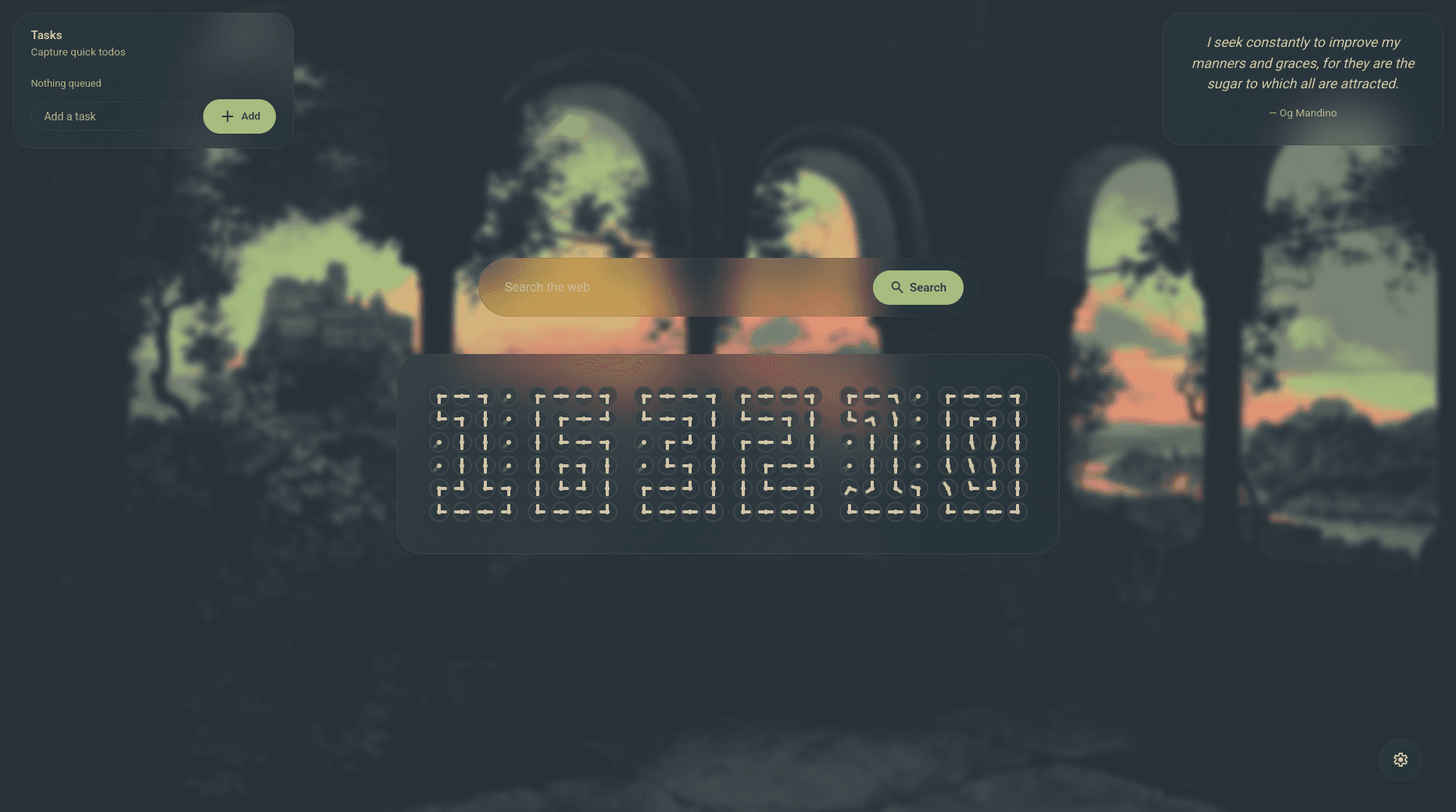



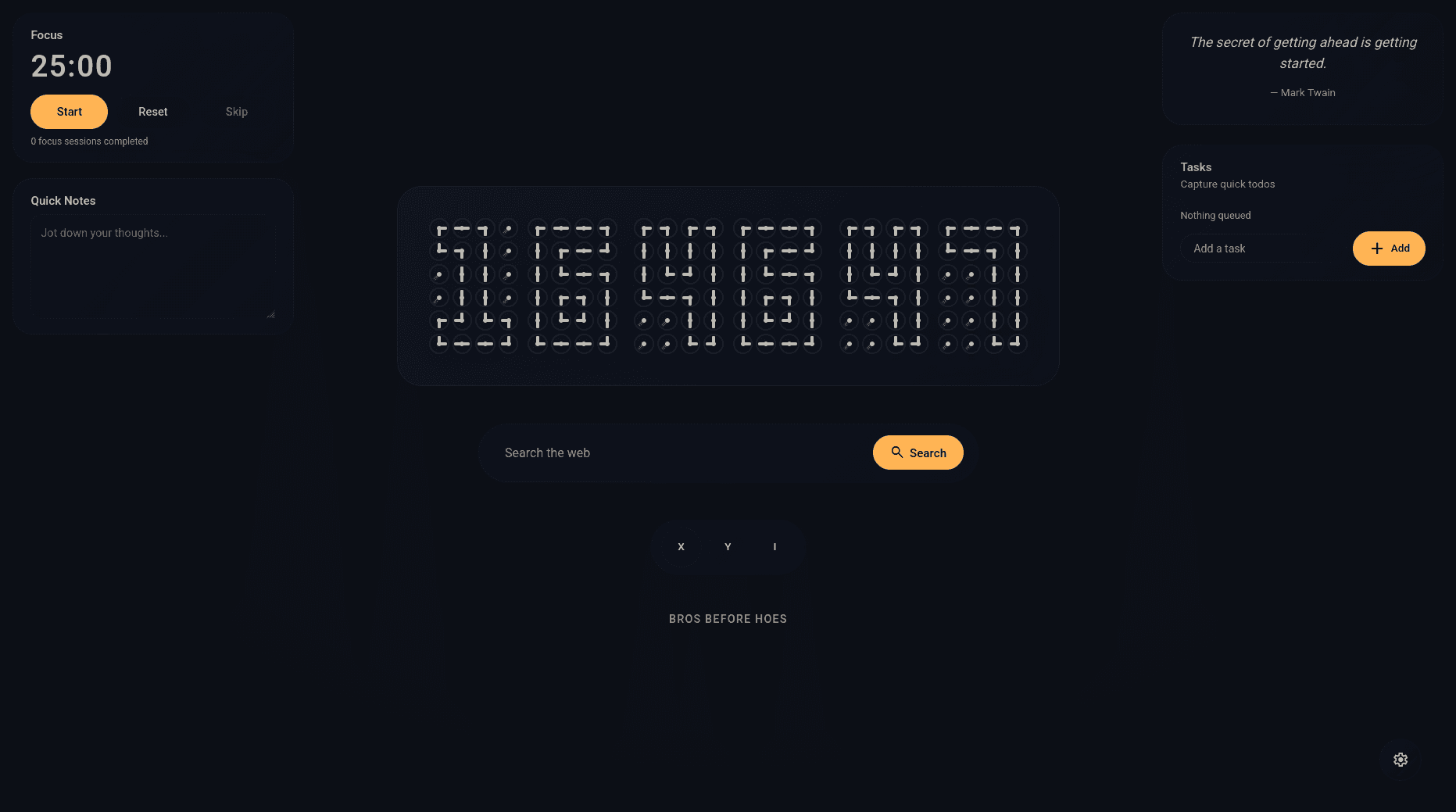
a minimalist new-tab browser extension designed to improve productivity with quick access widgets, a unique clock-of-clocks display, and a clean, customizable interface.
ideation
many browser new-tab experiences prioritize speed but lack intentional utility or composability. tabula was conceived to transform the default new-tab page into a functional space that supports productive routines, surfacing vital info and tools without clutter.
the core idea is to create a lightweight, extensible extension that combines aesthetic simplicity with everyday utility: a clock, widgets, quick search, and personalization — all delivered with minimal performance cost.
implementation
tabula is built in typescript, leveraging modern frontend tooling (bun/vite) and web extension APIs to support chromium and firefox based browsers. it renders a clean new-tab ui using web components and standard html/css, with state stored locally for offline use and fast load times.
this extension ships modular widgets including a unique “clock-of-clocks”, quick notes, todo list, weather, pomodoro timer and daily quotes. interactive elements support drag-and-drop support for widgets, keyboard navigation, and extensive customizations.
configuration is stored in browser local storage with defaults that can be overridden per user preferences. it is also fitted with a automated ci/cd build pipeline that produces optimized artifacts for testing & distribution on web extension marketplaces with every new release.
key features
- unique clock of clocks display with 12/24h formats
- widgets drag-and-drop support
- built-in productivity widgets: pomodoro timer, tasks, weather, quick notes, quote of the day
- automated ci/cd pipeline for building -> testing -> publishing
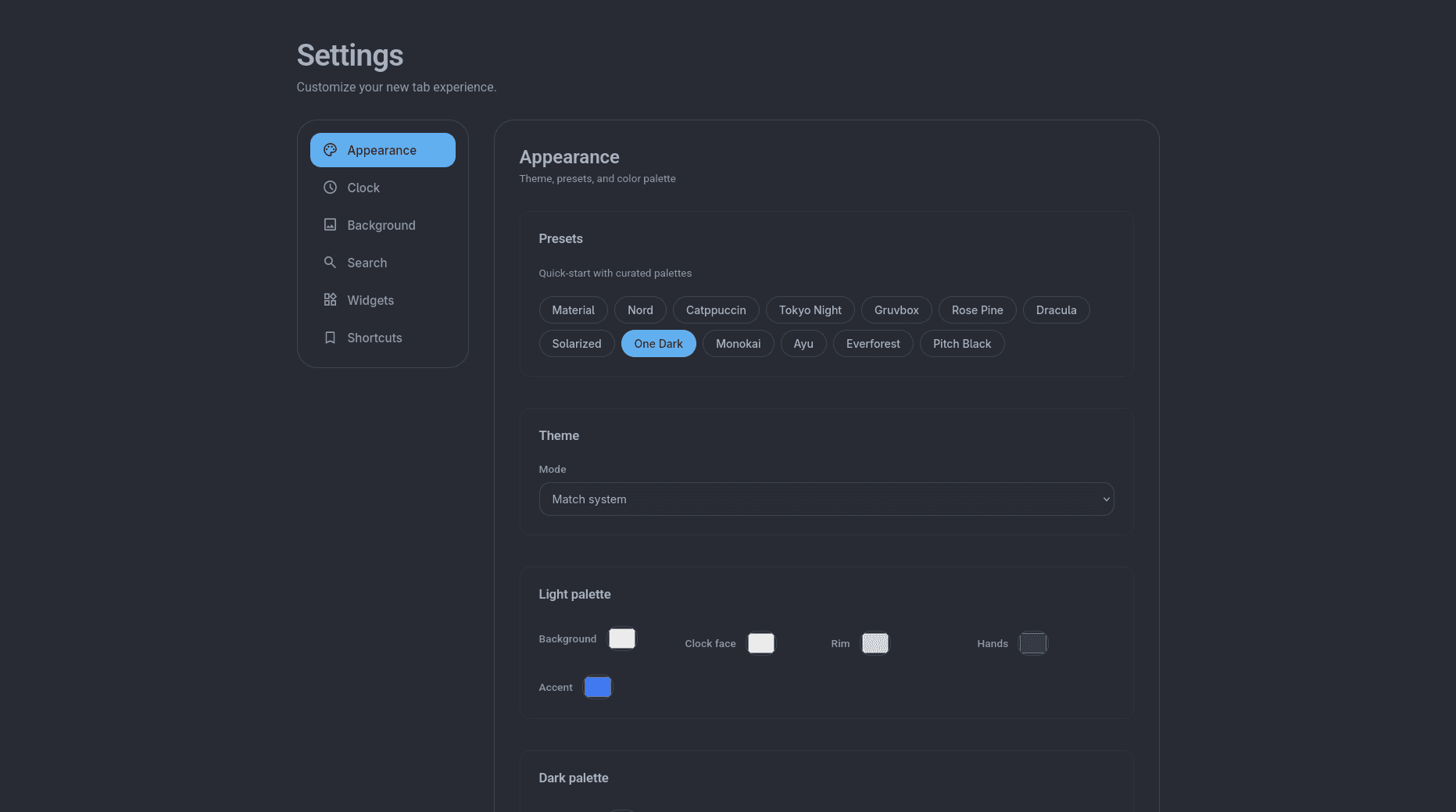
- customizable color palettes and theme modes (light/dark/auto)
- search integration with configurable providers for added privacy
- very minimal performance footprint and offline support
installation
to develop locally:
git clone https://github.com/saatvik333/tabula.git
cd tabula

# if you have bun, else just use npm
bun install
bun run build
to use in browser:
- install on firefox via the official addon listing tabula
- load the packaged extension in any chromium based browser like chrome/edge/brave via
chrome://extensions→ load unpacked
distribution
tabula is packaged for firefox and other chromium-based browsers, with releases available on the firefox addons store and as downloadable extension zips.