a wallust powered color theme extension for Code OSS based editors that adapts dynamically to your wallpaper palette.
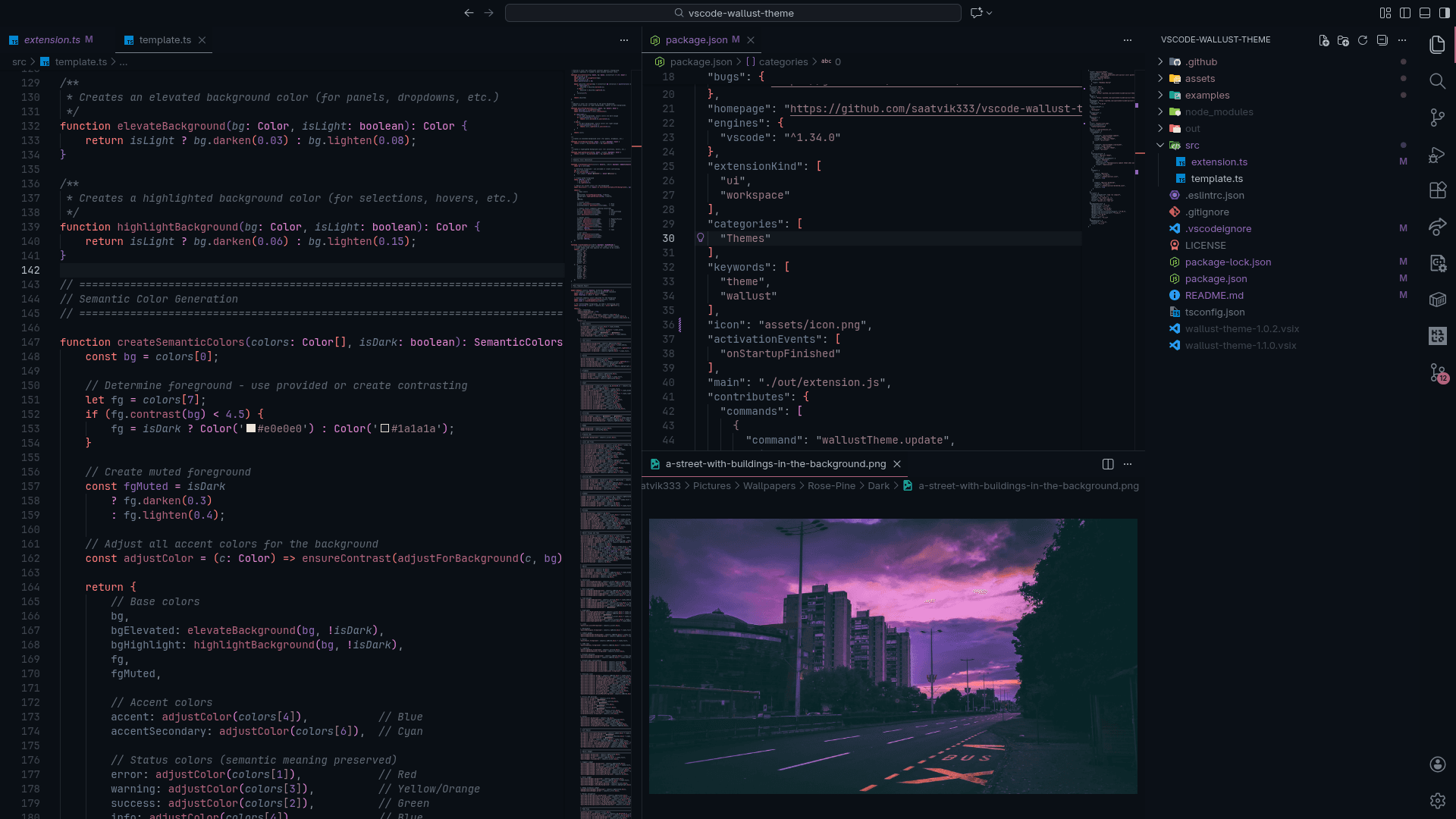
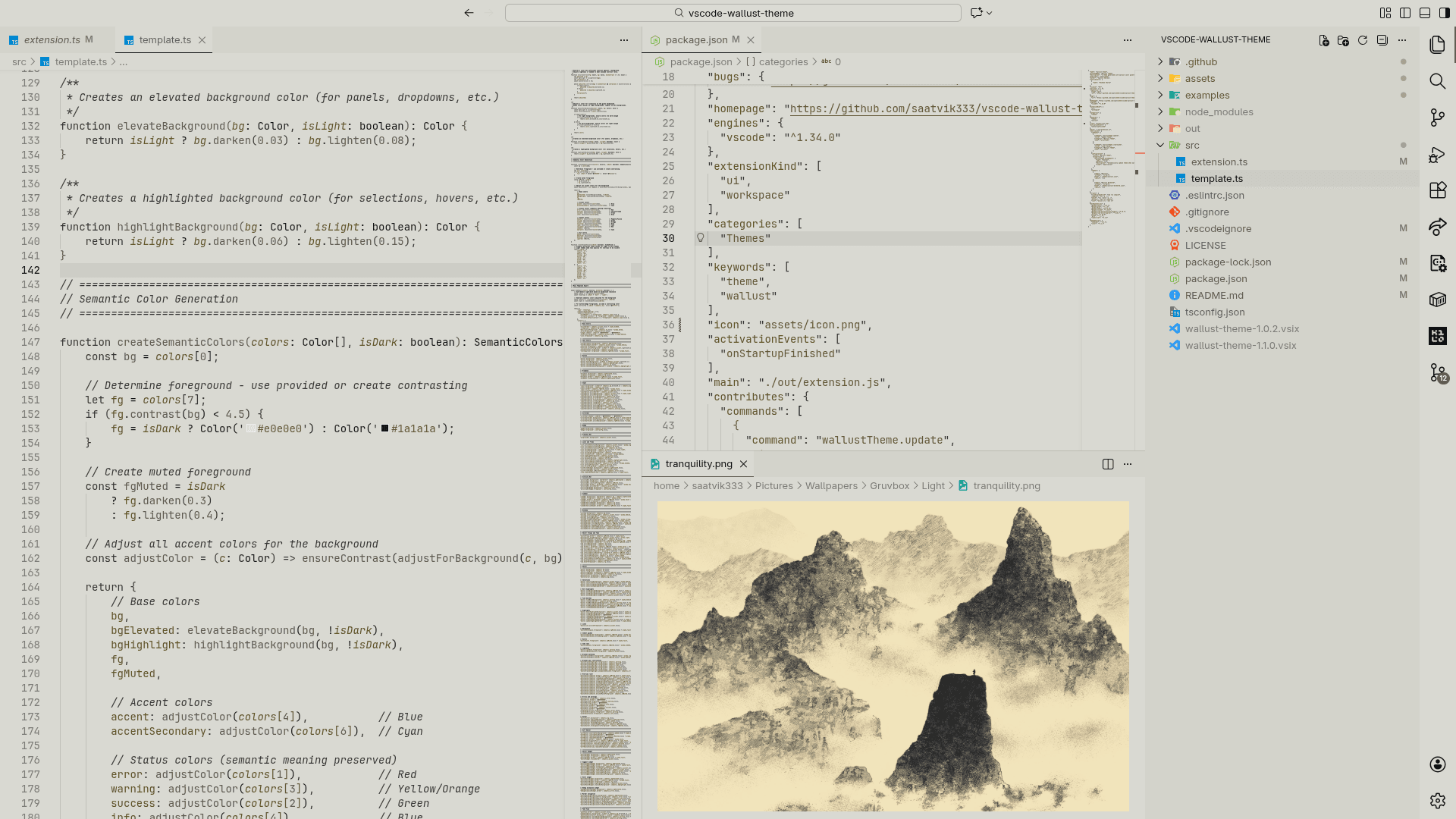
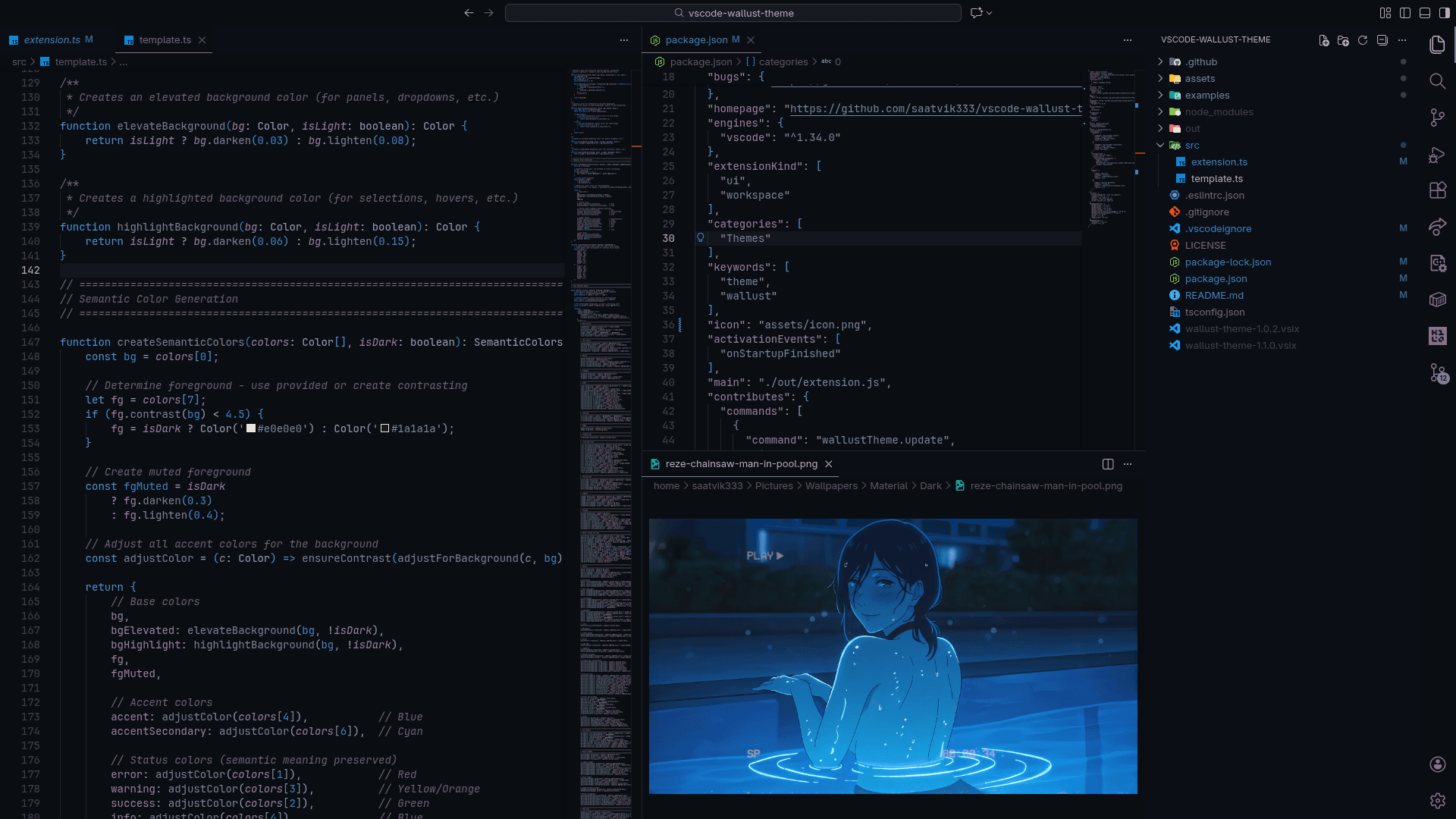
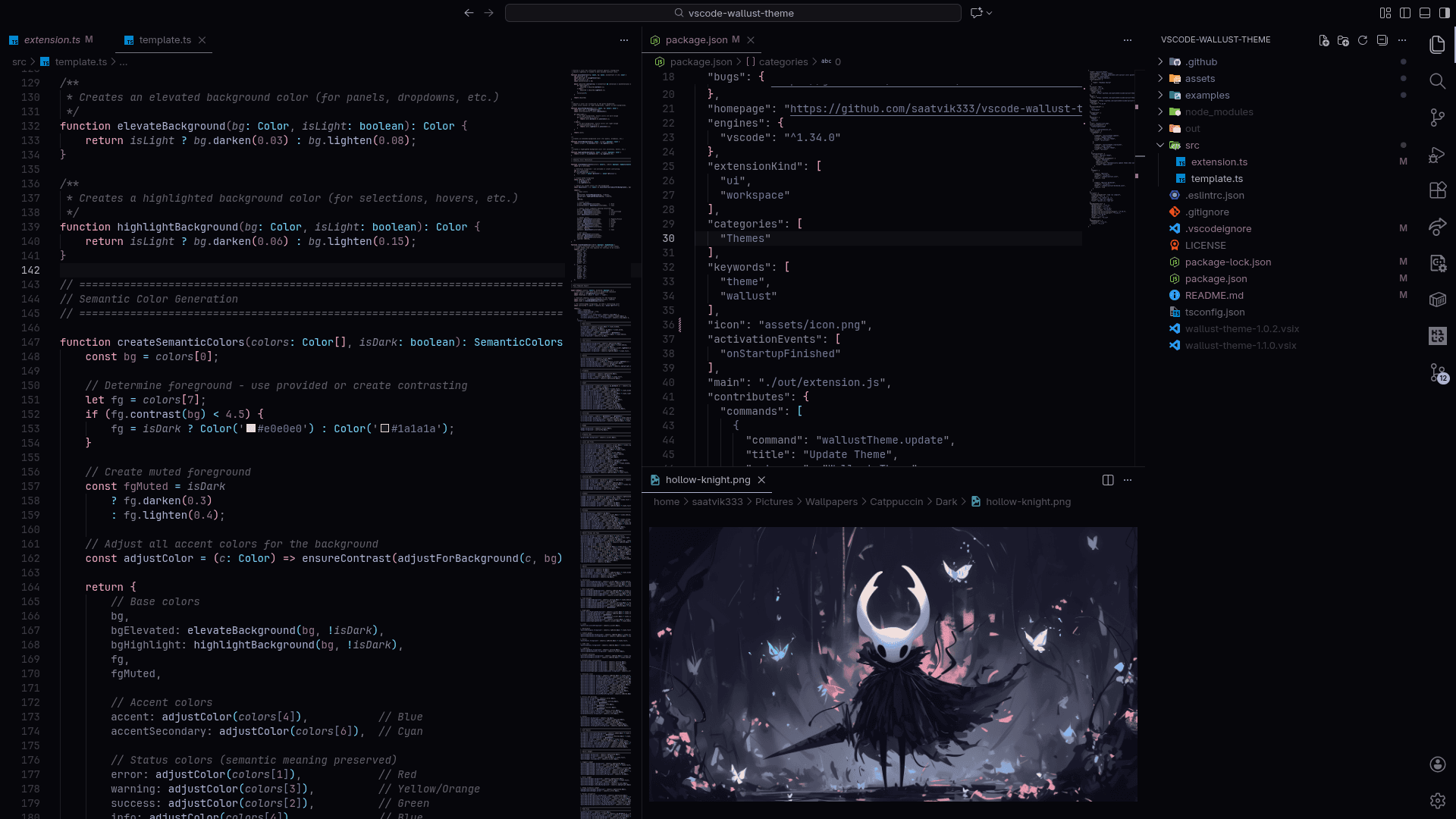


a wallust powered color theme extension for Code OSS based editors (Visual Studio Code, Cursor, Kiro, etc.) that automatically adapts editor colors to your current wallpaper palette. it creates a cohesive and personalized coding environment by synchronizing the editor’s visual style with the desktop aesthetic.
ideation
traditional editor themes are static and require manual switching, leading to a disconnect between the editor and the rest of the desktop. vscode-wallust-theme was conceived to provide visual continuity by dynamically generating theme colors from the user’s wallpaper palette.
the goal was to blend simplicity and automation: minimal user configuration, real-time responsiveness to palette changes, and a seamless, integrated look that aligns the editor with the user’s visual context.
implementation
the extension is built in typescript using the vscode extension api. it reads color palette output from wallust, a wallpaper palette extractor, and converts those palette values into a vscode theme configuration. the extension watches for palette updates and applies the new theme in real time.
the repository contains two theme variants (borderless and bordered), configuration templates for wallust, and commands to trigger palette refresh manually or automatically.
key features
- dynamic theme adaptation based on wallpaper color palette
- two visual variants: borderless and bordered editor styles
- minimal configuration driven by wallust templates
- vscode commands to update or regenerate theme
- optional automatic palette refresh on wallpaper change
requirements
- visual studio code with extension support
- wallust installed and configured to generate palette files
- a wallpaper and palette configuration that wallust can process
installation
get the extension from VS Marketplace or Open VSX.
# manual installation

# clone the repository
git clone https://github.com/saatvik333/vscode-wallust-theme.git
cd vscode-wallust-theme

# install dependencies and build the extension
npm install
npm install -g vsce

vsce package
load the extension in vscode via “load unpacked extensions,” then configure wallust to generate palette files and trigger the theme update.